
BLUE POINT COTTAGE
SeniorNet’s Blue Point Cottage Classes
Town of Brookhaven
FSL SeniorNet at Henrietta Acampora Recreation Center
39 Montauk Highway, Blue Point, NY 11715
Call: 631-470-6922
Computer technology made easy with SeniorNet!
Class Calendar

Click the Calendar above to VIEW the dates of our Blue Point Classes.
To REGISTER, scroll down to the event list below
and click the registration button.
For Registration Tips click here.
STUFF TO KNOW
Registration is open until 10 AM sharp one day before the start of a class. To participate in our classes register and pay online with a credit or debit card. If you prefer to pay by check or cash, contact the office at 631-470-6757, or register in person at OPEN HOUSE at Huntington, Bay Shore, and Blue Point.
If the class is sold out and you would like to receive an email if/when the class is offered again, please send an email to fslseniornet@fsl-li.org. Be sure to include your name and contact information as well as the name of the class you are interested in.
Fall Harvest: Pick Your Class
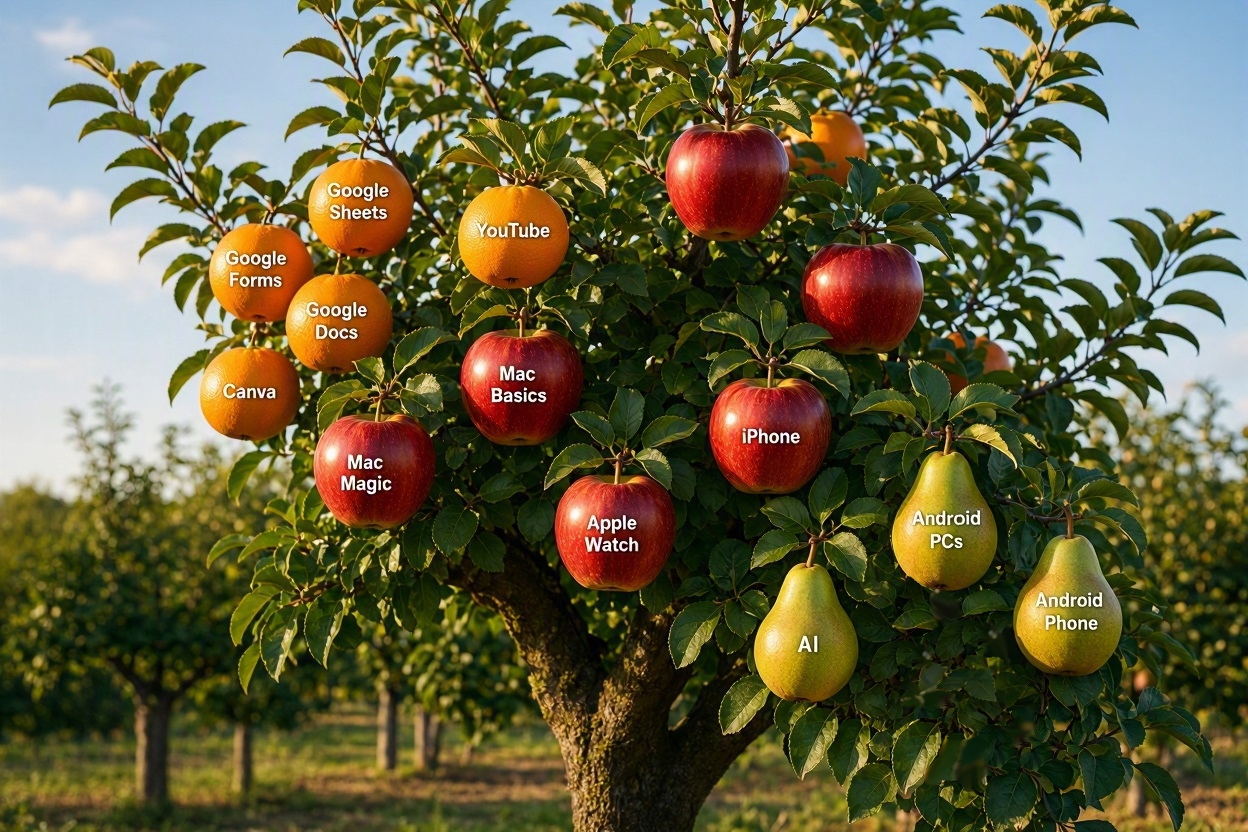
FALL REGISTRATION OPENS SEPTEMBER 13
Classes below are listed chronologically.
All Trails, NY State Parks Explorer- the Apps
All Trails, NY State Parks Explorer- the Apps
Friday from 10:00 AM – 11:30 PM on Oct 9
1 session of 1.5 hours / $10
This workshop is appropriate for iPhone and Android users.
ALLTRAILS is an outdoor navigation app used by hikers, walkers, runners and cyclists to search over 500,000 trails worldwide by location, difficulty, length and features (like views, waterfalls, kid-friendly, dog-friendly) and navigate the selected adventures with reliable maps and information.
The NEW YORK STATE PARKS EXPLORER app offers helpful information including location, features and amenities about a wide variety of destinations and adventures available across the state’s vast system of state parks and historical sites, including reliable maps for trail navigation.
PC Computing Basics 2
PC Computing Basics 2
Wednesdays from 9:30 AM – 12:00 PM on Nov 4, (Nov 11 – NO CLASS), 18, 25, Dec 2
4 sessions of 2.5 hours each / $45
Prerequisite: PC Computer Basics 1 or permission from the instructor
This four-lesson class will build on the skills you started to develop in PC Computing Basics 1. We will teach you to enhance your desktop, the basics of the file system, and advanced features of word processing. We will teach you how to access the Internet and how to save your most frequently visited websites. Additionally, you will learn how to use the new free Microsoft Outlook mail client.
Apple Passwords App
Apple Passwords App
Wednesday from 1:00 PM – 2:30 PM on Nov 4
1 session of 1.5 hours / $10
This workshop is appropriate for iPhone, iPad, and Mac users.
Apple Passwords can generate strong, unique passwords that are difficult for others to guess, reducing the risk of password reuse. It securely stores your passwords and makes them available when you need to sign in, so you don’t have to remember every password yourself. This makes managing your online accounts both safer and easier.
TECH HELP

Learn something new with our experienced faculty.
Perhaps you haven’t had time for a full class and just want to solve one technical problem.
We offer personalized problem solving for smartphones, tablets, laptops, and desktop computers (Mac and PC).
Just let us know what you want to learn and we’ll match you with an experienced teacher.
TECH HELP – only $20 for each hour!
Complete the TECH HELP REQUEST FORM to let us know what you are interested in learning.
Our coordinator will advise you of the next steps upon receipt of this request form.
Perhaps you haven’t had time for a full class and just want to solve one technical problem, examples are:
- How do I download a free library book to my mobile device?
- How do I get music onto my mobile device (smartphone or tablet)?
- How to organize and share photos?
- Looking for a password manager?
- Maybe you have questions about your laptop’s anti-virus program.
- How do I find my files using Window’s File Manager?
- Mobile Devices: iPhone / iPad / Android Questions
- How do I host a Zoom meeting?
- What would you like to learn? Let us know.
Students choose a specific topic to learn and get the complete attention of our faculty.
FEES
The fee for the each hour is $20 payable three business days in advance. Handouts may be included.
REFUND POLICY
Classes not canceled by giving at least one business day advance notice to the instructor are non-refundable.
The SeniorNet Advantage
| ● Hands-on instruction | ● Individual attention | ● One student per computer |
| ● Manuals included | ● Friendly atmosphere | ● Seniors teaching seniors |